DOCUMENT TOOLS
Construction fax cover sheet
Prepare construction fax cover sheet with the sender, recipient, subject, page count, and handling note the workflow needs.
Letter-size PDF with fields for the sender, recipient, fax details, page count, and message.
PREPARE THE COVER
IDENTIFYSender and recipient
CONTEXTSubject and handling note
COUNTCover and document pages
REVIEWDestination and readability
PAGE FOCUSCONSTRUCTION
COVER CONTENT
What a construction cover sheet should make clear
A construction fax cover sheet identifies the fax before the recipient opens the attached pages. It should provide enough context to route the document without repeating sensitive content from the document itself.
Use accurate contact details, a short subject, the total page count, and only the handling note needed by the recipient's workflow.
This page covers construction. Check the relevant account setting or fax record before you continue.
- Sender name, organization, fax number, and return contact.
- Recipient name, organization, and verified destination number.
- Subject, date, total pages, and an appropriate handling note.
PREPARATION
Adapt the cover to the construction workflow
Keep the visual hierarchy quiet and practical. A construction recipient should be able to identify ownership, purpose, and urgency without searching through the first document page.
Review the cover and attachments together. Count the cover page consistently and remove blank, duplicate, or unreadable pages before sending.
- 01Confirm that the recipient expects the fax.
- 02Complete the routing and contact fields.
- 03Add only the necessary confidentiality or urgency instruction.
- 04Preview the full fax and verify the page count.
AFTER SENDING
Keep the cover attached to the fax record
The construction cover page belongs with the sent document, destination, timestamp, and final delivery state. Retain the complete record according to the organization's policy.
COMMON QUESTIONS
Details to check before you continue.
Does the fax cover count as a fax page?
Yes. Treat the cover as the first page and verify the total page count against the complete fax preview before sending.
How do I use the blank template?
Download the letter-size PDF, add the sender, recipient, fax details, page count, and message fields, then attach it as the first page of the fax you send.
Does the downloaded cover prove delivery?
No. The PDF is a blank working template. Use the final delivered or failed state and timestamp in the Faxoryn fax record for follow-up.
Which cover should a team choose?
Match the cover layout to the working context, and keep the routing fields and page count consistent across the documents a team sends.
PRINTABLE FAX COVERS
Choose a fax cover
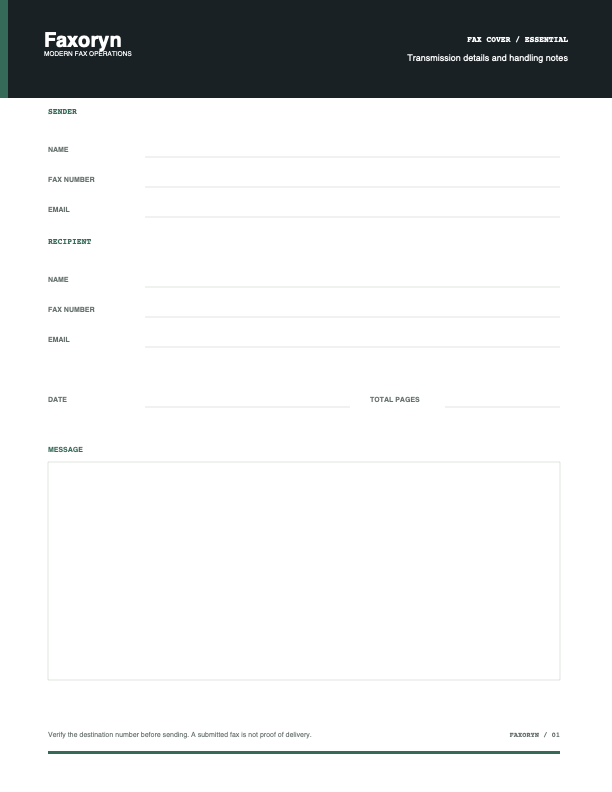
Each letter-size PDF has fields for the sender, recipient, fax details, page count, and message. The twelve templates use distinct layouts for their working context and are available from the cover catalog.
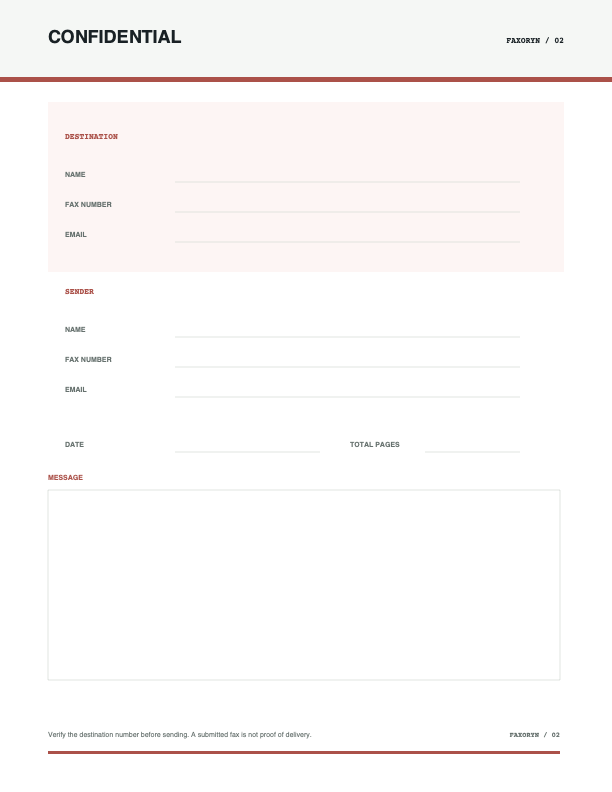
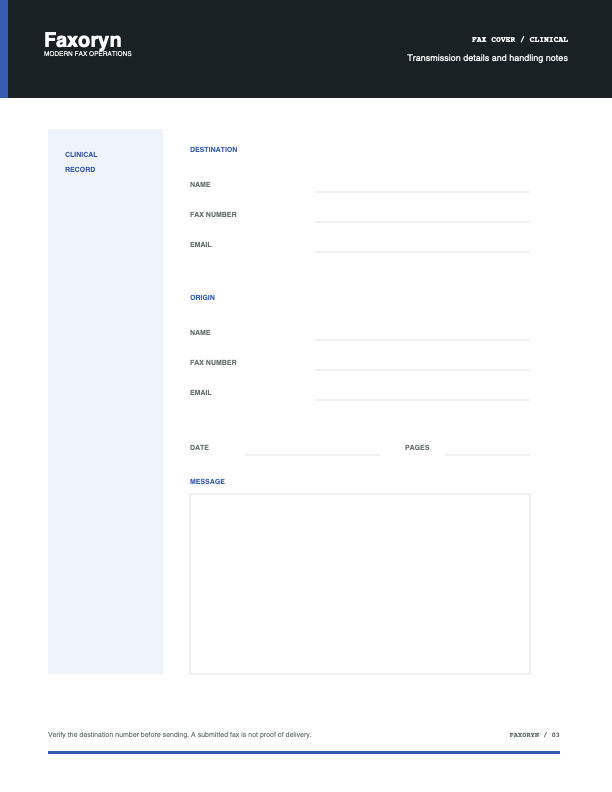
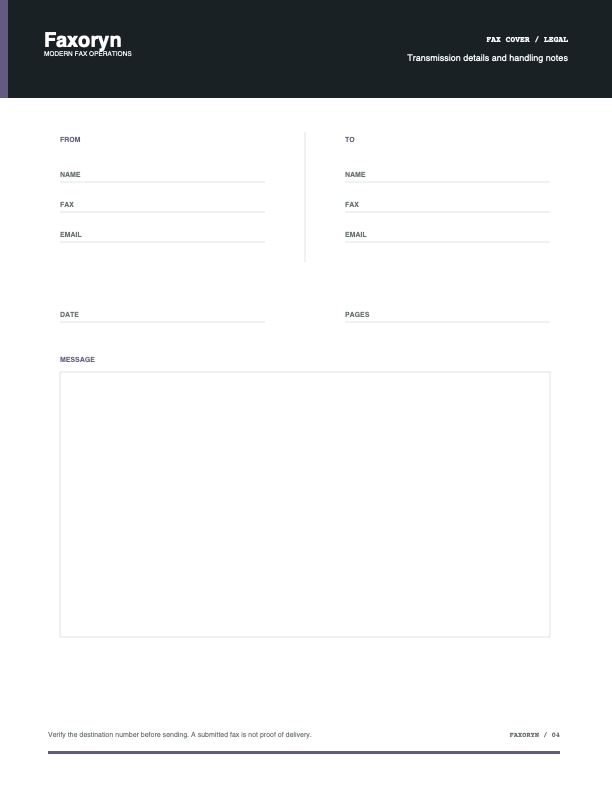
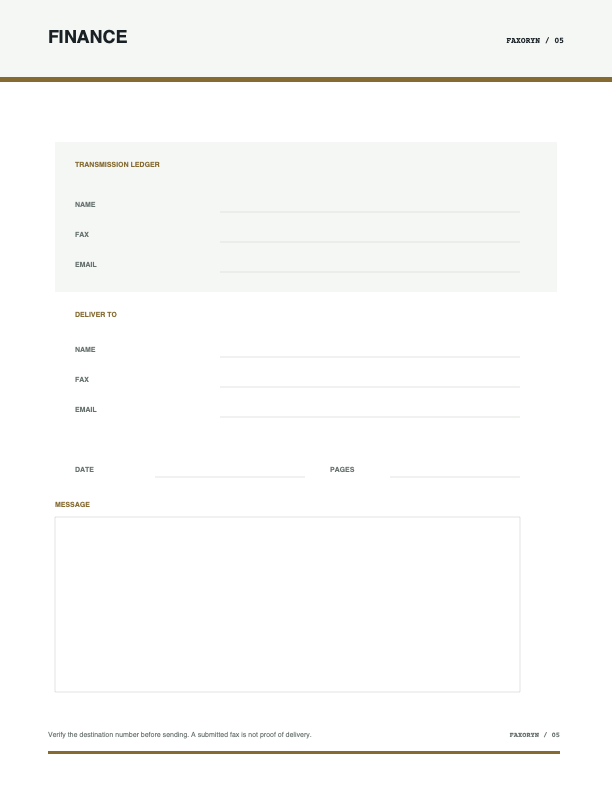
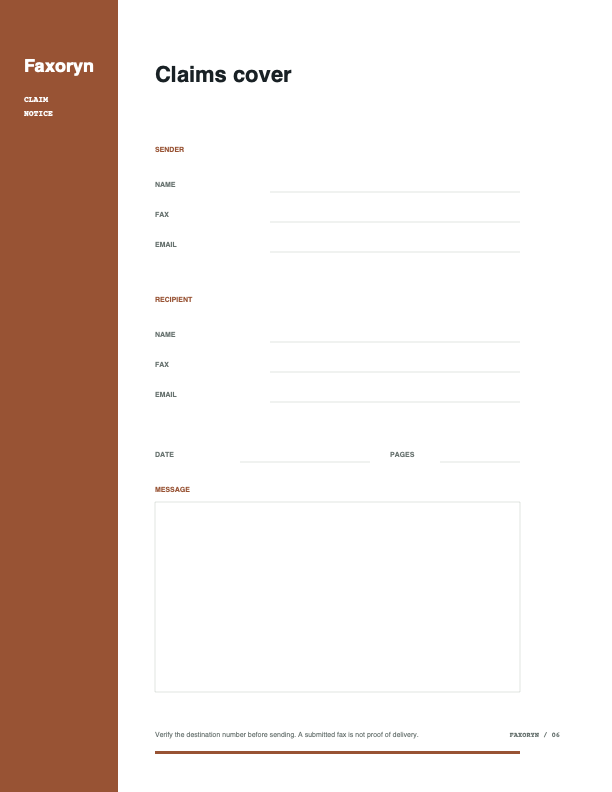
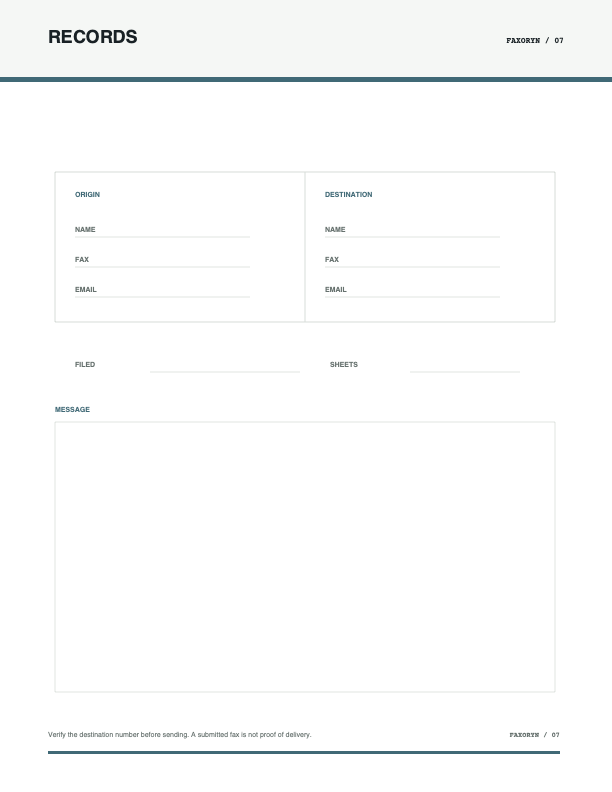
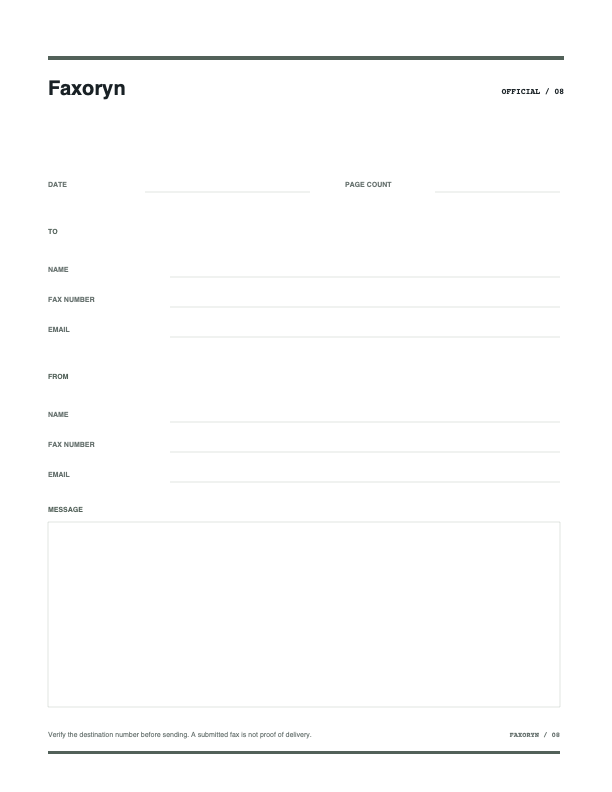
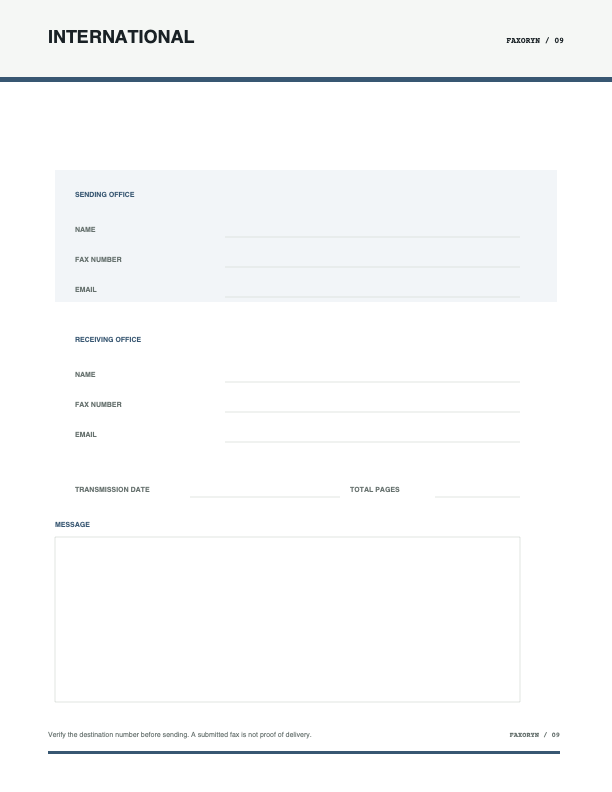
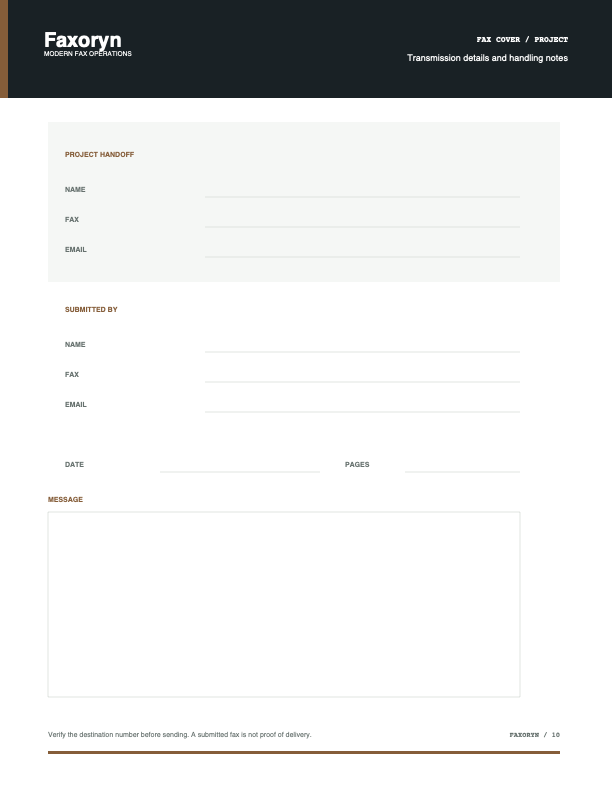
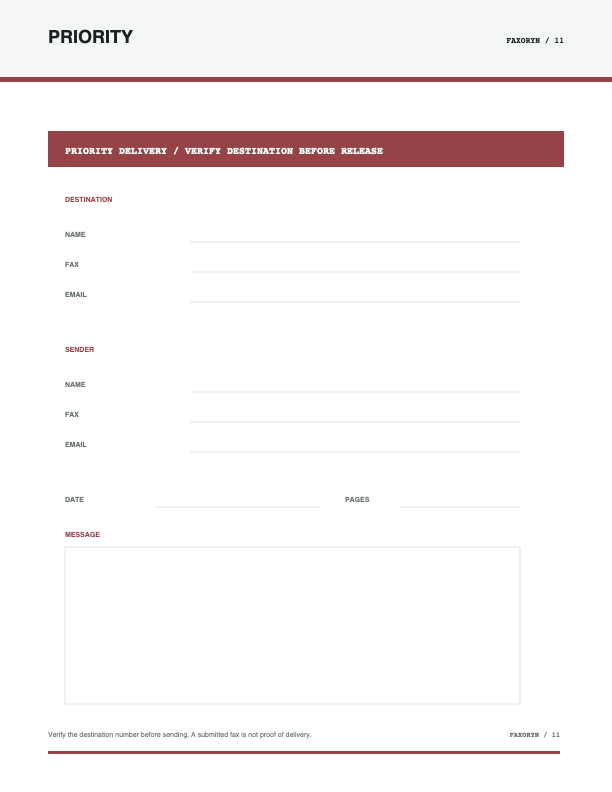
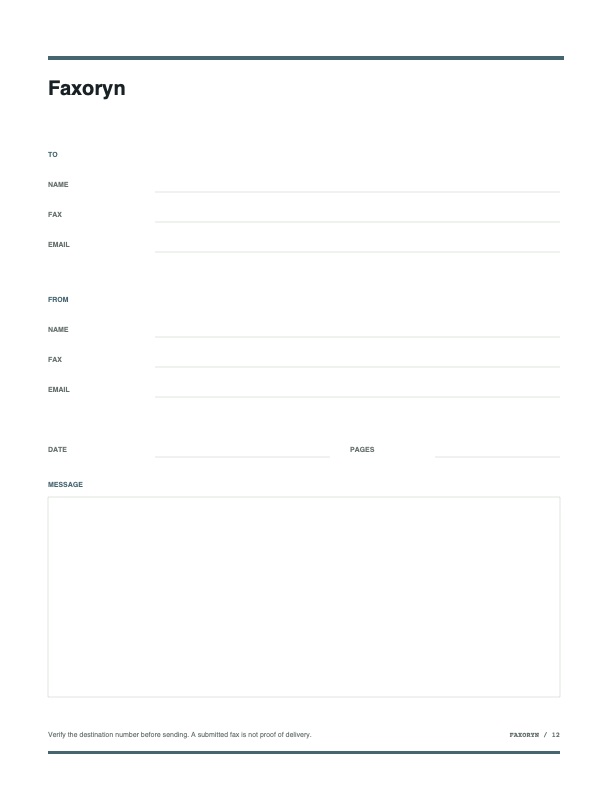
The downloadable files are blank working templates. Sensitive values should be added only in an approved document workflow.
PRINTABLE FAX COVERS
Use a blank template, then verify the pages before sending.
Complete the routing fields, preview the full fax, and keep the cover attached to the fax record.
Choose a fax cover →