TEAM WORKFLOW
Make shared numbers work without hiding responsibility.
A team workflow needs more than a shared inbox. It needs named access, number ownership, useful notifications, and a clear path for what to do when documents or people change.
THE FLOW
A clear sequence your team can follow.
- 01 / Account adminSet access
Invite the people who need the workflow and give them the right role.
- 02 / Account adminAssign numbers
Connect every fax number to its purpose, owner, and permitted team members.
- 03 / Assigned memberCoordinate
Use incoming and outgoing records to make current work and exceptions visible.
- 04 / Backup ownerReview
Update access, notifications, and ownership when the team or process changes.
WHAT MAKES IT WORK
The Faxoryn tools behind this workflow.
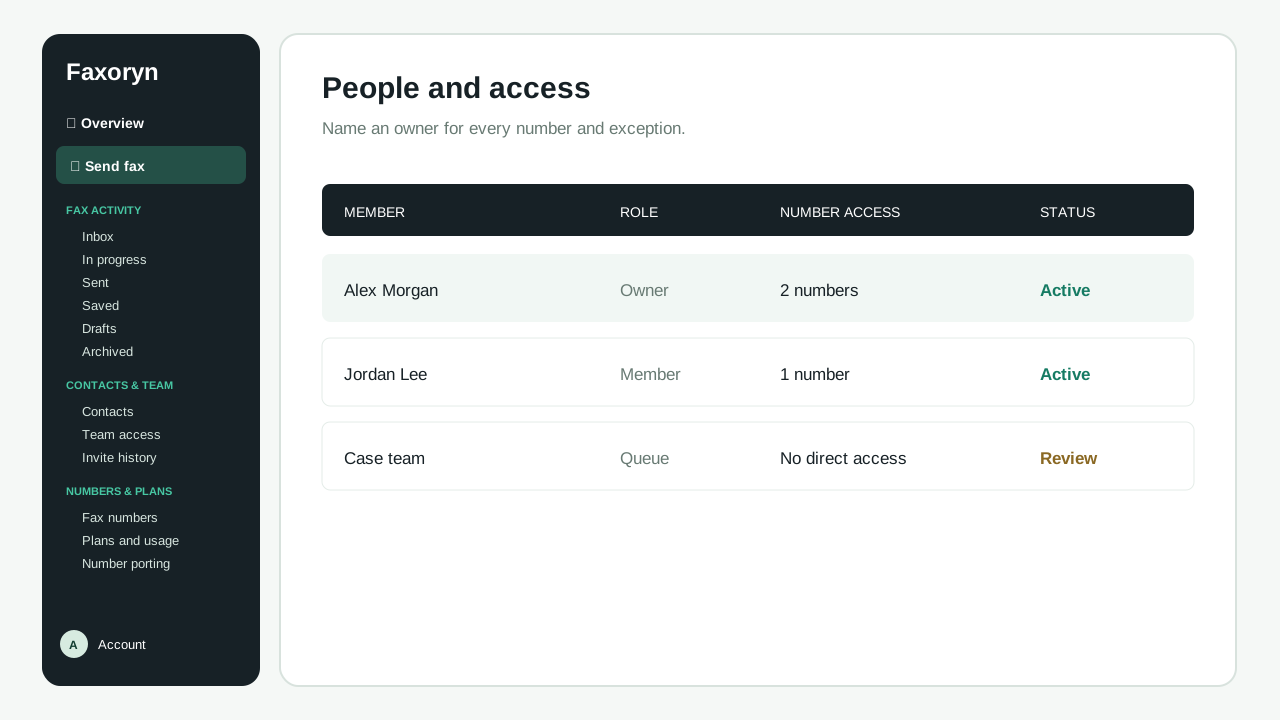
People can work from shared numbers while ownership stays visible and reviewable.
START WITH ONE REAL TASK
Run it once with a real document.
Send a sample document end to end, check what the recipient gets, and know in advance who follows up if something does not arrive.
- Name one owner for every shared number and follow-up list.
- Check that you can remove and reassign access before going live.
- Treat alerts as reminders to check the record, not as the record itself.
START WITH YOUR TEAM