DISTRIBUTED WORK
One way of working across teams and locations
Centralize the fax record while letting departments work with the numbers and documents relevant to them. This reduces local workarounds without turning every fax into an administrator task.
Shared conventions for ownership, naming, delivery follow-up, and record-keeping make the system easier to manage as the organization grows.
- Invite and remove members through a controlled account workflow.
- Assign one or multiple numbers according to operational responsibility.
- Use notifications as prompts while keeping the workspace record as the place to check.
IMPLEMENTATION
Move the workflow in stages, not in one big switch
List the numbers you use, who owns them, who gets notified, which tools are connected, and how long you keep records before porting or replacing anything.
Run one example fax process end to end, check the delivery record and how failures are handled, then expand with documented ownership and support paths.
ADMINISTRATION
Separate shared policy from daily document handling
Account owners manage membership, plan, number assignment, connected tools, and security settings. Team members can then focus on the document lists and destinations assigned to their work.
Review administrator access, inactive members, shared notification addresses, and unassigned numbers on a schedule rather than only during an incident.
PLATFORM COVERAGE
Keep one record across browser, email, integrations, and apps
Teams may start a fax from different applications, but the record number, status history, and saved result should stay consistent. This matters most when an automated system and a person can both act on the same workflow.
MEMBERS
Make joining, role changes, and leaving deliberate
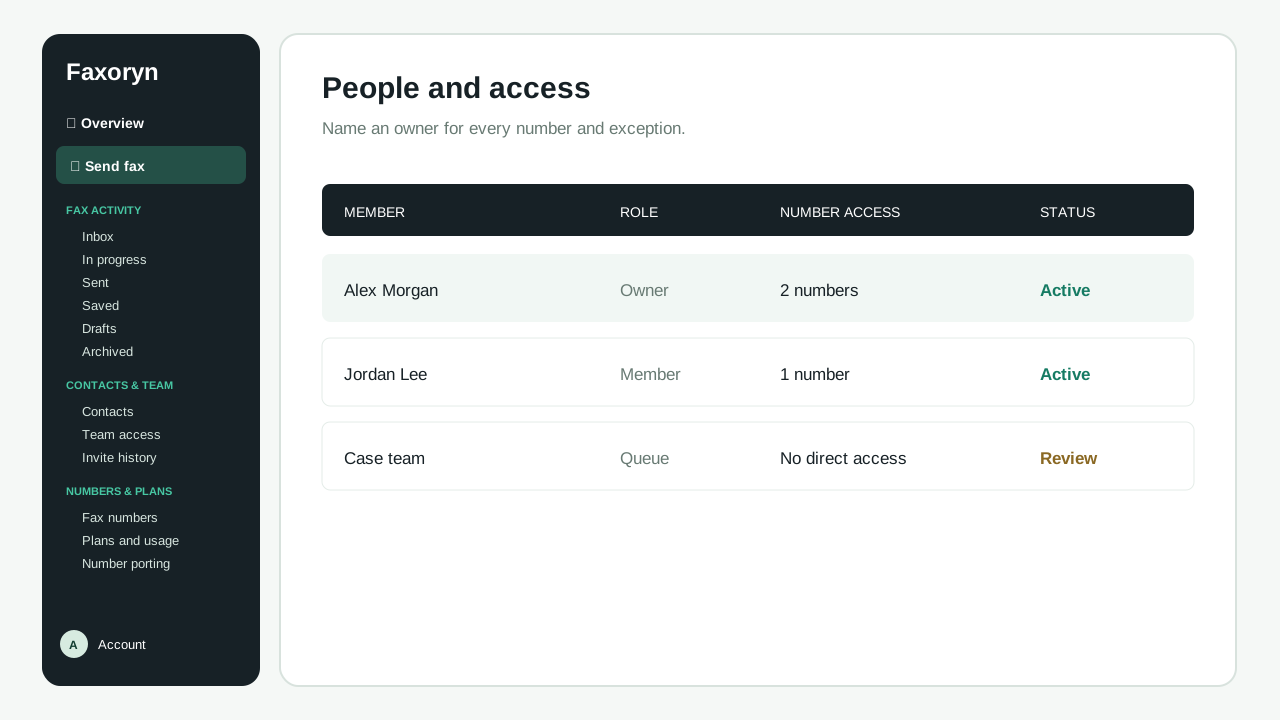
Invite each member to their own identity instead of sharing one login. Decide which numbers, notifications, lists, and administrative actions belong to the role, then verify those assignments after the invitation is accepted.
When responsibility changes, review where the member is signed in, the 2FA policy, number assignments, unread incoming faxes, connected applications, and any scheduled activity. Disabling or removing a member should not leave a business workflow without an owner.
- Use named identities for accountability and access review.
- Assign one number to several users or several numbers to one user only when the workflow requires it.
- Document the owner of shared notification and integration destinations.
NUMBER OPERATIONS
Treat fax numbers as real business lines
Keep track of each number's country, type, subscription, default sender use, member assignments, notification recipients, and public references. This makes replacement, porting, and renewal decisions reviewable before they affect incoming faxes.
A team switch should test incoming reception, sender identity, default-number behavior, notification routing, and what happens to the old number. Keep the old line active until the new setup is proven where the carrier allows it.
AUTOMATION CONTROL
Keep an eye on automated faxes instead of assuming they worked
If you send faxes from your own application, keep your business reference alongside the Faxoryn record number and formatted destination. Status updates can arrive late or be retried, so check the final status in Faxoryn before treating important work as done.
Your team still needs a clear path for rejected documents, carrier failures, destination corrections, and page allowance. Automation should reduce repeated handling without hiding the final business decision.
OPERATING REVIEW
Review the waiting work and its exceptions, not just the totals
Review pending, delivered, failed, unread, retried, and unassigned work on the cadence of your business process. A large sent count is less useful than knowing which documents still need action and who owns that action.
Before rolling fax out across departments, decide who handles delivery failures, number issues, carrier outages, suspicious access, payment interruptions, and sensitive-document exposure.